Remote Work Monitoring Software: App Usage, Screenshots and Activity Tracking
Zaffre Axon Team · November 24, 2026
Managing remote developers, designers, and support teams usually forces companies into buying two separate systems: an HR tool for payroll and a separate desktop tracker for hours and screenshots. At the end of every month, someone still has to export spreadsheets from one tool and paste them into the other.
Zaffre Axon ships with its own native Desktop Work Monitoring App for Windows, macOS, and Linux. Hours tracked on the desktop flow directly into attendance, project time logs, and monthly payroll.
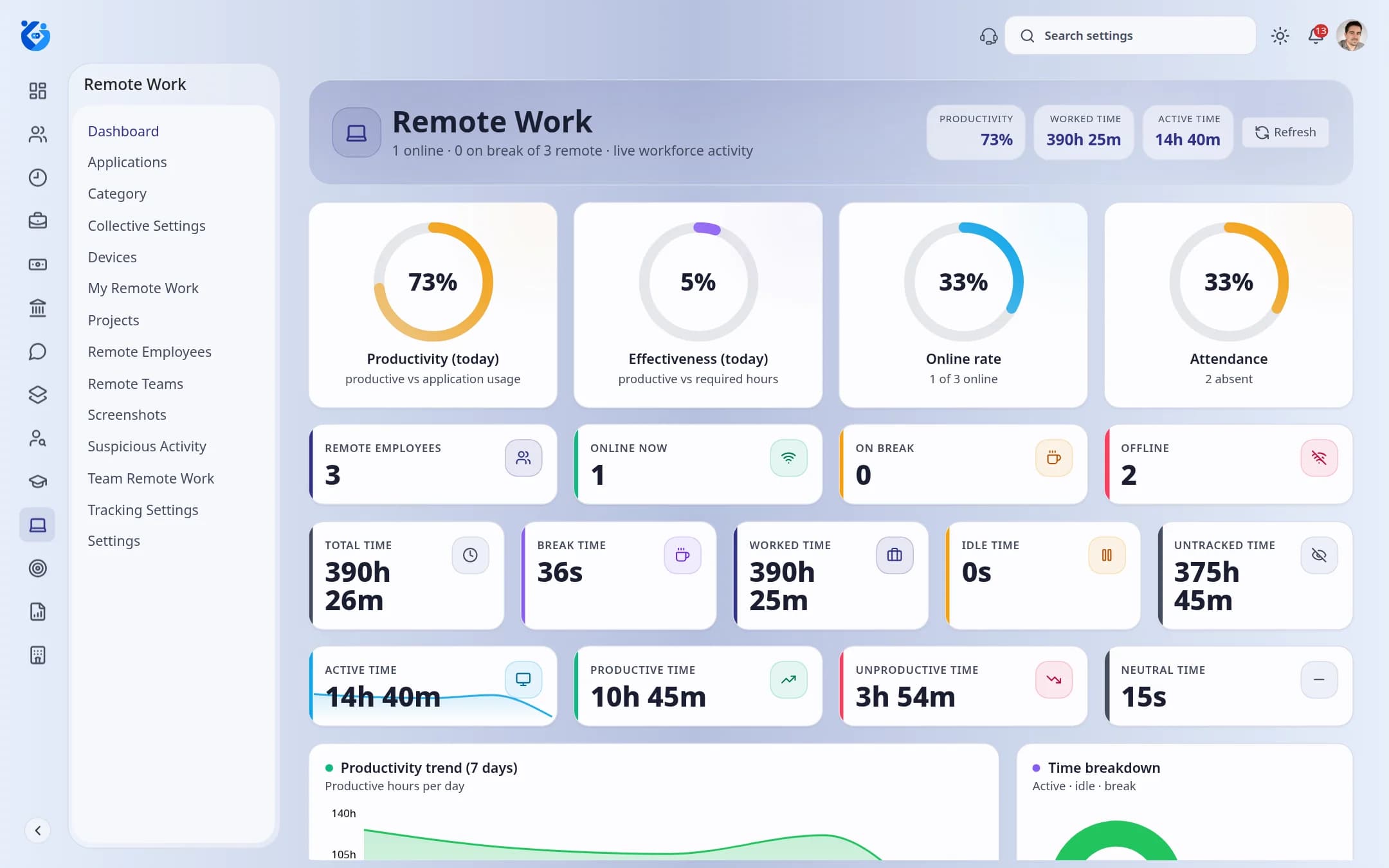
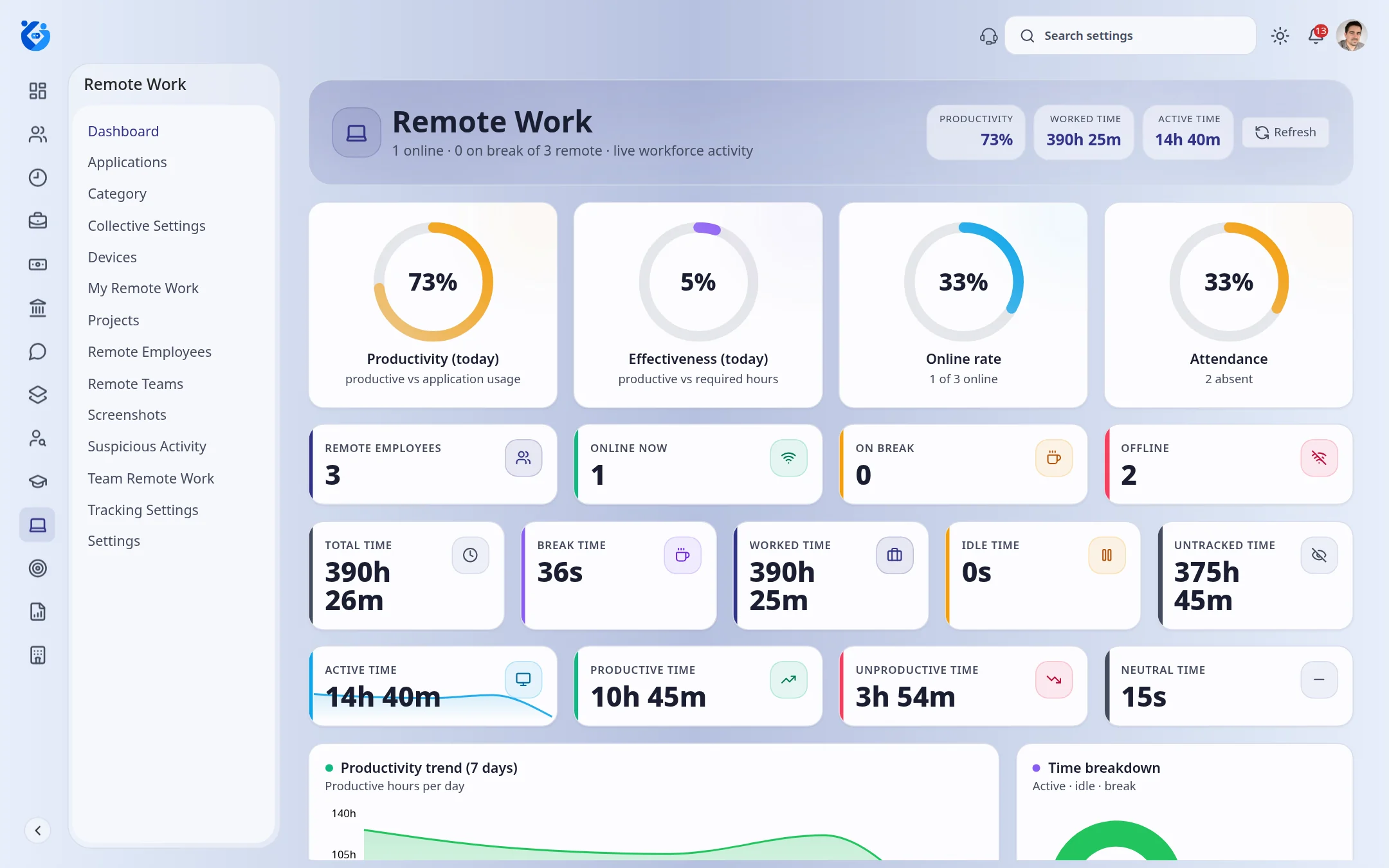
Live Remote Work Dashboard showing today's productivity percentage, active vs. idle hours, online team count, and 7-day focus trends.
What Managers and Team Leads Actually See
Active, idle, break, and untracked time: Every working day is broken down cleanly so you know real working hours versus breaks and idle spans without guessing.
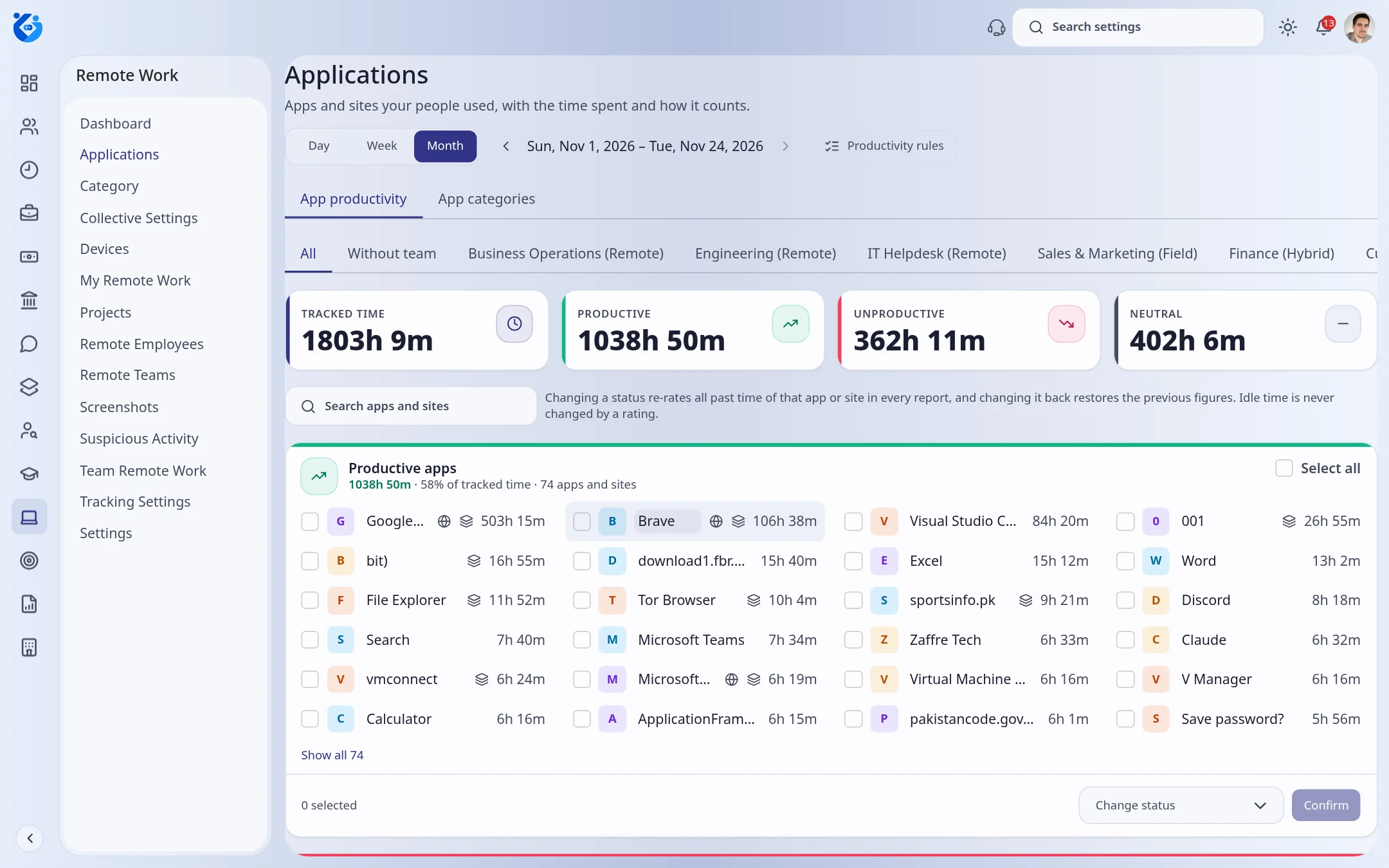
Automatic app and website categorization: Every desktop app and browser domain is grouped into Productive, Neutral, or Unproductive categories. Companies can customize rules per department—for example, YouTube can be neutral for marketing and video editors while unproductive for data entry teams.
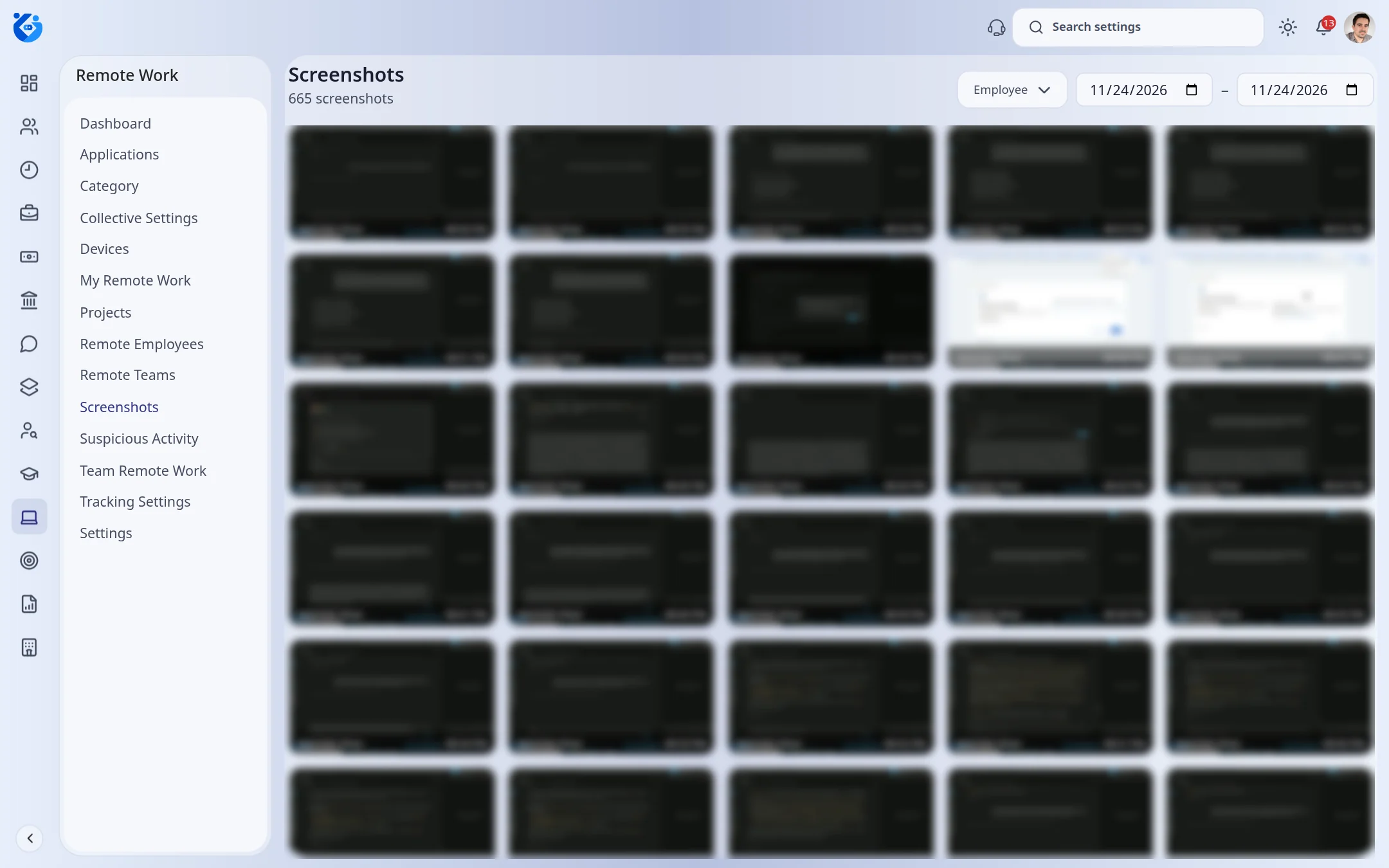
Periodic screenshots with optional blur: Capture scheduled screenshots linked to the active attendance session and task. For teams handling sensitive client screens or banking data, privacy blur can be turned on per policy.
Project and team rollups: View productivity by individual employee, remote team, or client project in real time.
Application & Website usage breakdown classifying tools into Productive, Neutral, and Unproductive buckets.Screenshot timeline with optional privacy blur linked directly to verified desktop sessions.